Clear information
Help people understand your business, products or services.
THE CUSTOMER JOURNEY
Start with what you want to improve. Bring the right information together, review the result and decide how to move forward.

01 / FIND THE NEED
Describe the business and one problem you want to solve. You can begin with one tool and keep the systems that already work for you.
Help people understand your business, products or services.
Give an enquiry or follow-up a clear owner and next step.
Make responsibilities, communication and training easier to follow.
02 / SHAPE THE INFORMATION
Bring together the information people need: what you offer, who it is for and what should happen next.
03 / SAVE AND REVIEW
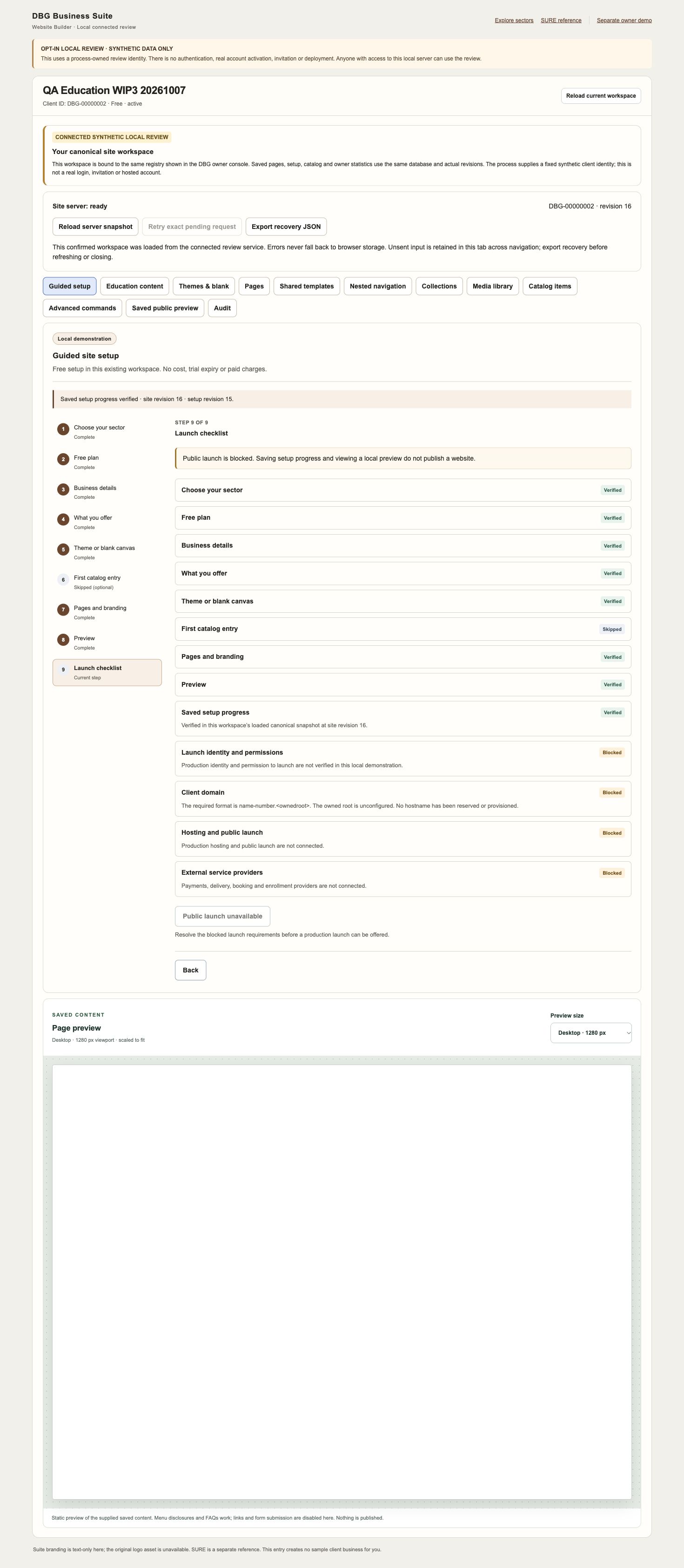
In a working setup, review the saved information and any requirements still to resolve. A checklist helps everyone see what is ready and what needs attention.
This historical checklist shows saved fictional setup information. It does not prove a public launch or a working preview in the blank historical iframe.
04 / SEE IT AS A CUSTOMER
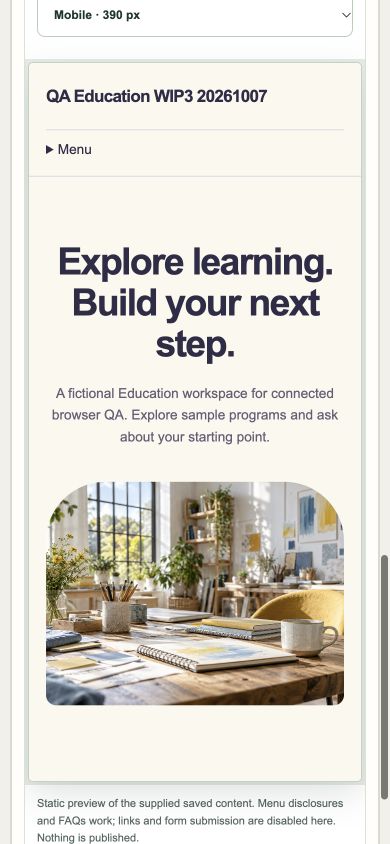
Check that the information is readable, the important details are easy to find and the next step makes sense on a phone.
This website example shows a mobile browser view. It is separate from a native Android or iOS app.
05 / AGREE THE NEXT STEP
Decide what is useful now and what needs setup, permissions or further work. An example does not activate an account, connect a provider or agree a commercial commitment.
AVAILABLE TO EXPLORE
Read-only examples of Sales & CRM, Communication, Learning and HRMS help you understand the workflow.
TO AGREE BEFORE USE
Confirm requirements, access, data connections and any specialised operational or financial work.
YOUR NEXT STEP
Explore the fictional records and discuss what would help your business.
Explore the demo